Smart Lock Installation Troubleshooting and Maintenance Guide
By East View · November 9, 2026
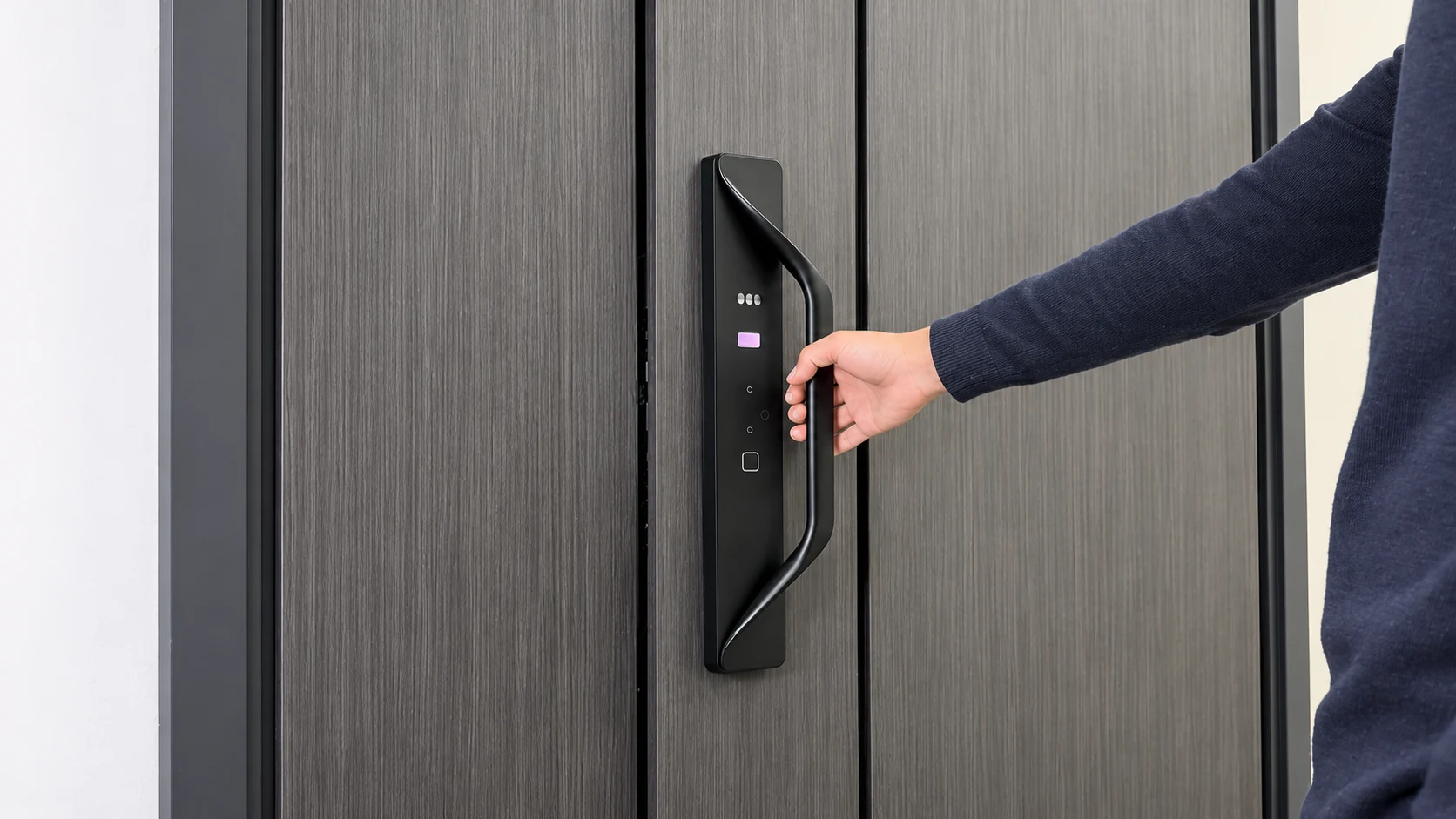
Correct installation and routine maintenance are essential to the stable operation and service life of smart locks.
For smart lock distributors, installation service providers and project buyers, knowing how to troubleshoot common faults can improve after-sales service efficiency and reduce unnecessary repair costs.
This article covers common mechanical, electronic and connectivity issues during smart lock installation and use, with practical troubleshooting suggestions.
1. Mechanical Installation Issues
Incorrect installation can cause the latch or bolt to jam, automatic locking to fail or the handle to operate unevenly.
Common issues and solutions:
- The latch or bolt does not extend or retract properly: Check that the lock body is positioned correctly and aligned with the corresponding opening in the door frame.
- Unusual noises when unlocking: Check for assembly misalignment or mechanical interference in the lock body.
- A loose handle: Check that the fixing screws and square spindle are installed as required.
- Automatic locking fails: Check the door sensor, door-closed detection function and related settings, where supported by the model.
After installation, test the latch and bolt movement with the door open. Only proceed to closed-door testing once operation is confirmed to be normal.
2. Fingerprint Recognition and Electronic Function Issues
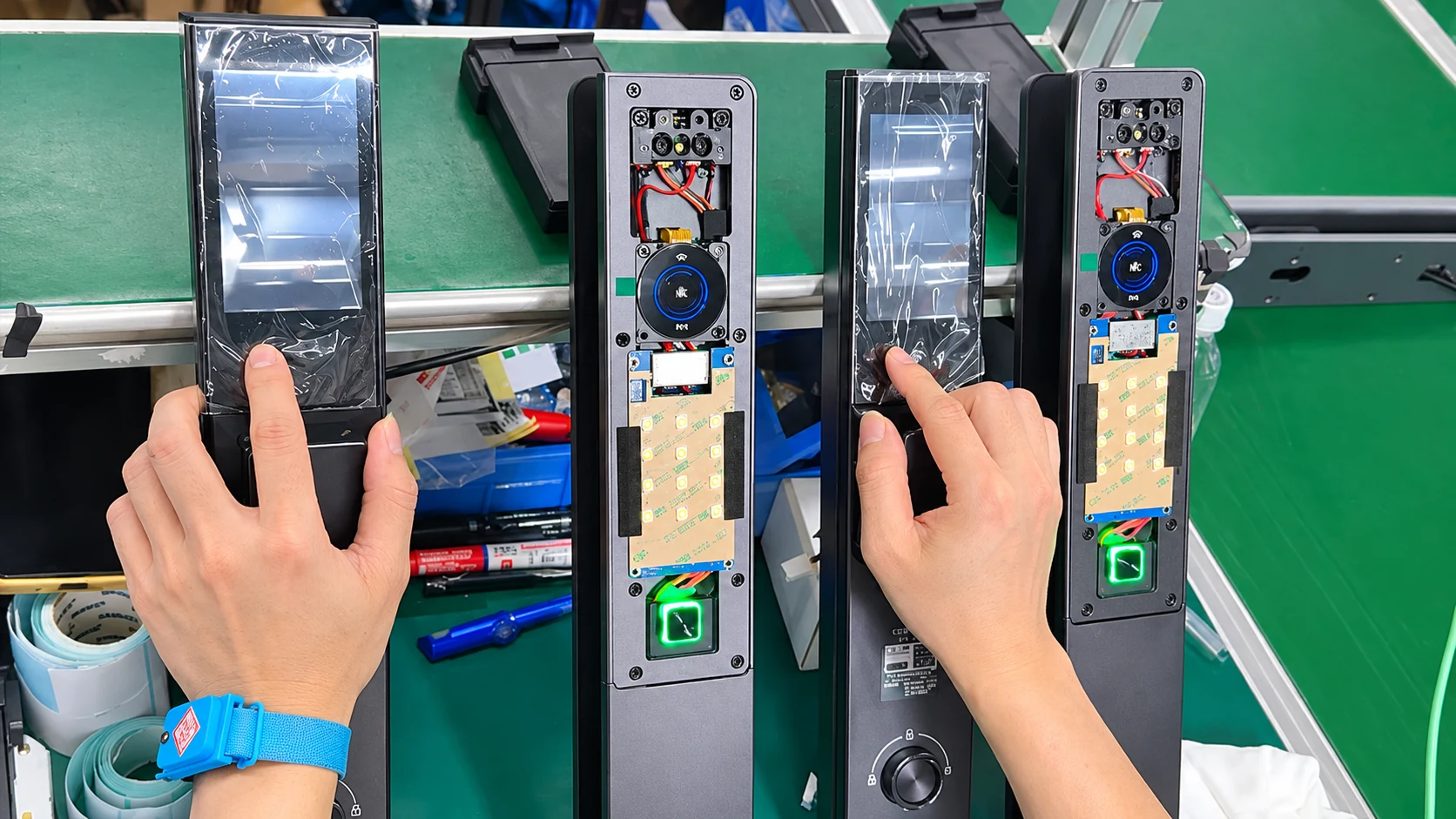
A smart lock’s electronic system includes components such as the fingerprint module, main control board, batteries and connecting wires.
Common issues and solutions:
- Fingerprint recognition fails: Clean the recognition area, check the condition of the finger and register the fingerprint again.
- Touch keys do not respond: Check the battery level and power connections.
- Batteries drain too quickly: Check the battery type, operating environment and whether the device is repeatedly performing abnormal operations.
- The device does not respond: Follow the product manual to check the power supply and device status.
If you find water inside the lock, damaged wiring or abnormal heating, stop using the device and contact a qualified technician.
3. App Connection and Network Issues
Some smart locks support connectivity through Tuya, TTLock, Bluetooth or Wi-Fi. Connection methods can vary between models.
Common issues and solutions:
- The app cannot connect: Confirm that the phone’s Bluetooth, network connection and app permissions are set correctly.
- Wi-Fi setup fails: Check whether the device requires 2.4 GHz Wi-Fi, and verify the network password and signal strength.
- Remote control fails: Check whether the device requires a compatible gateway and whether the gateway is connected to the network.
- The device frequently goes offline: Check network coverage, the device’s power supply and its connection status.
Before restoring factory settings, confirm administrator permissions and data backup requirements to avoid losing existing user information.
4. How to Reduce Smart Lock After-Sales Maintenance Costs
Wholesalers, distributors and project installers should establish standardized installation and after-sales management procedures.
- Before installation: Confirm door thickness, drilling dimensions, lock body model and installation compatibility.
- After installation: Test every applicable unlocking method, the locking function and emergency unlocking methods.
- At handover: Record the product model, installation location and necessary device information.
- During after-sales support: Maintain fault records and spare-parts management procedures to improve repair efficiency.
For bulk installation projects, consistent installation training and acceptance criteria help reduce recurring problems.
Conclusion
Stable smart lock operation depends on manufacturing quality, correct installation, proper use and timely maintenance.
East View provides smart lock products and OEM/ODM customization services for overseas importers, wholesalers and brand customers. Customers can discuss product configurations, installation compatibility and technical requirements according to their project needs.
Contact East View to learn more about our smart lock products and OEM/ODM partnership options.