
Push-Pull Smart Locks
This range groups smart locks with an integrated push-pull handle. Compare the access features listed for each model, then confirm the lock body and door preparation against your project drawings.
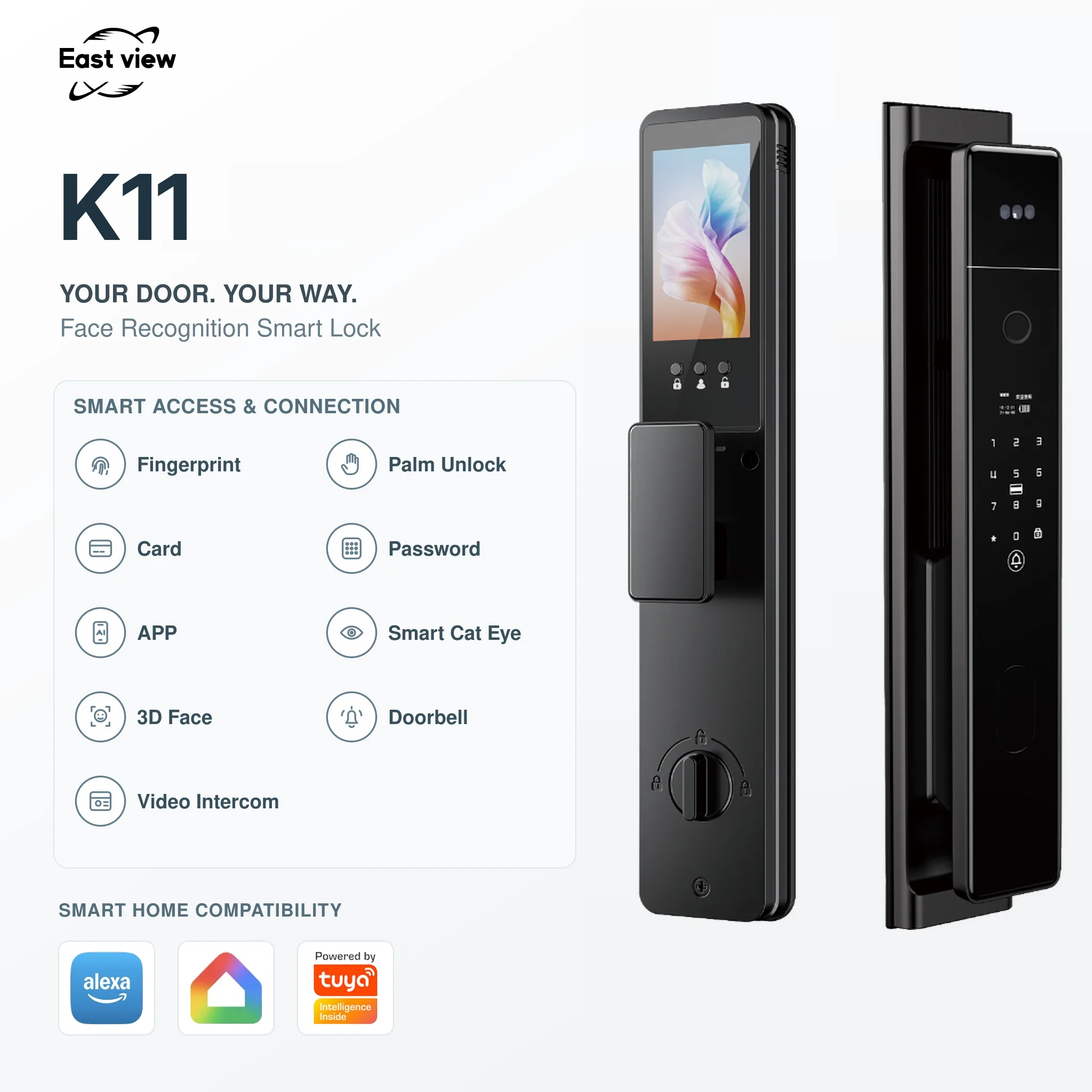
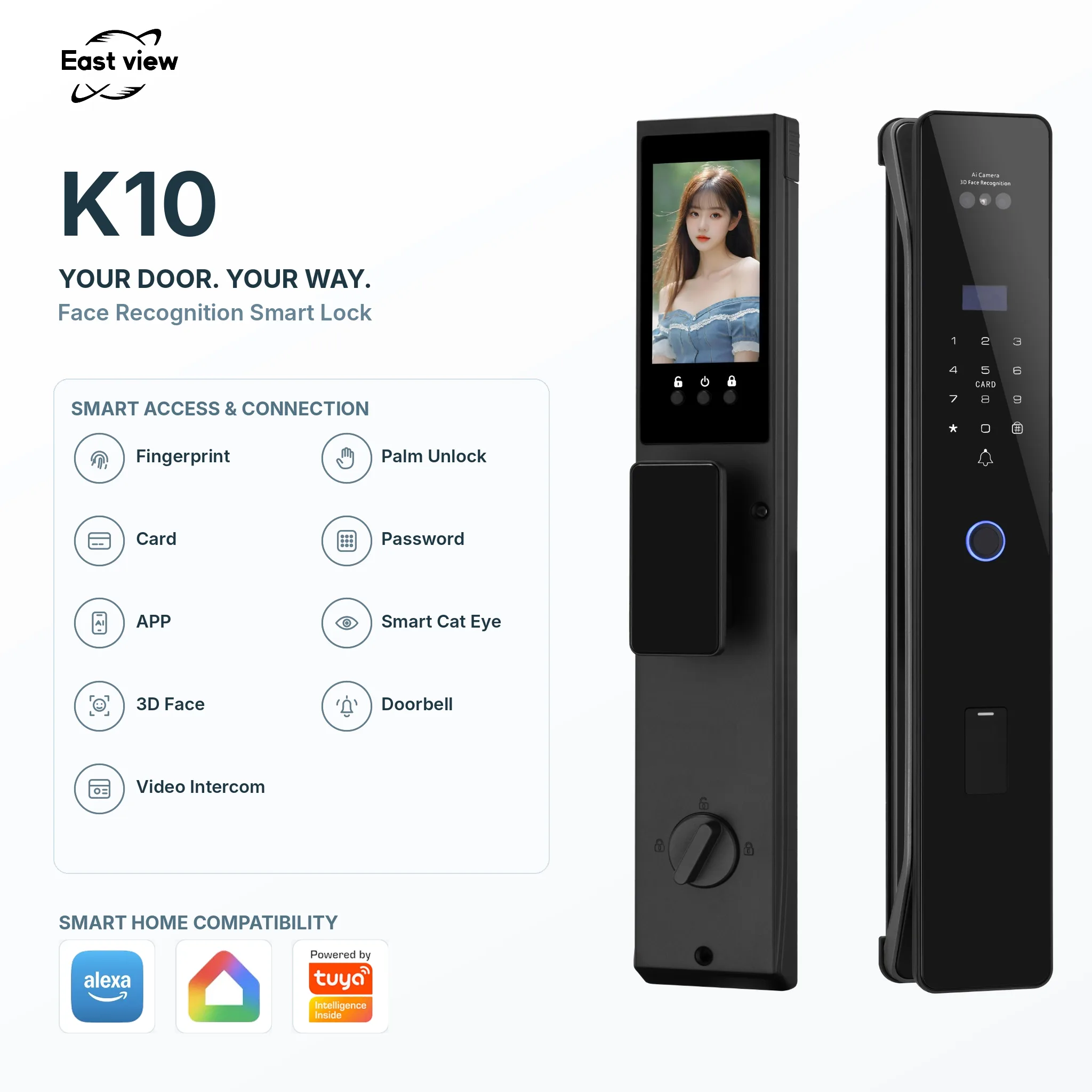
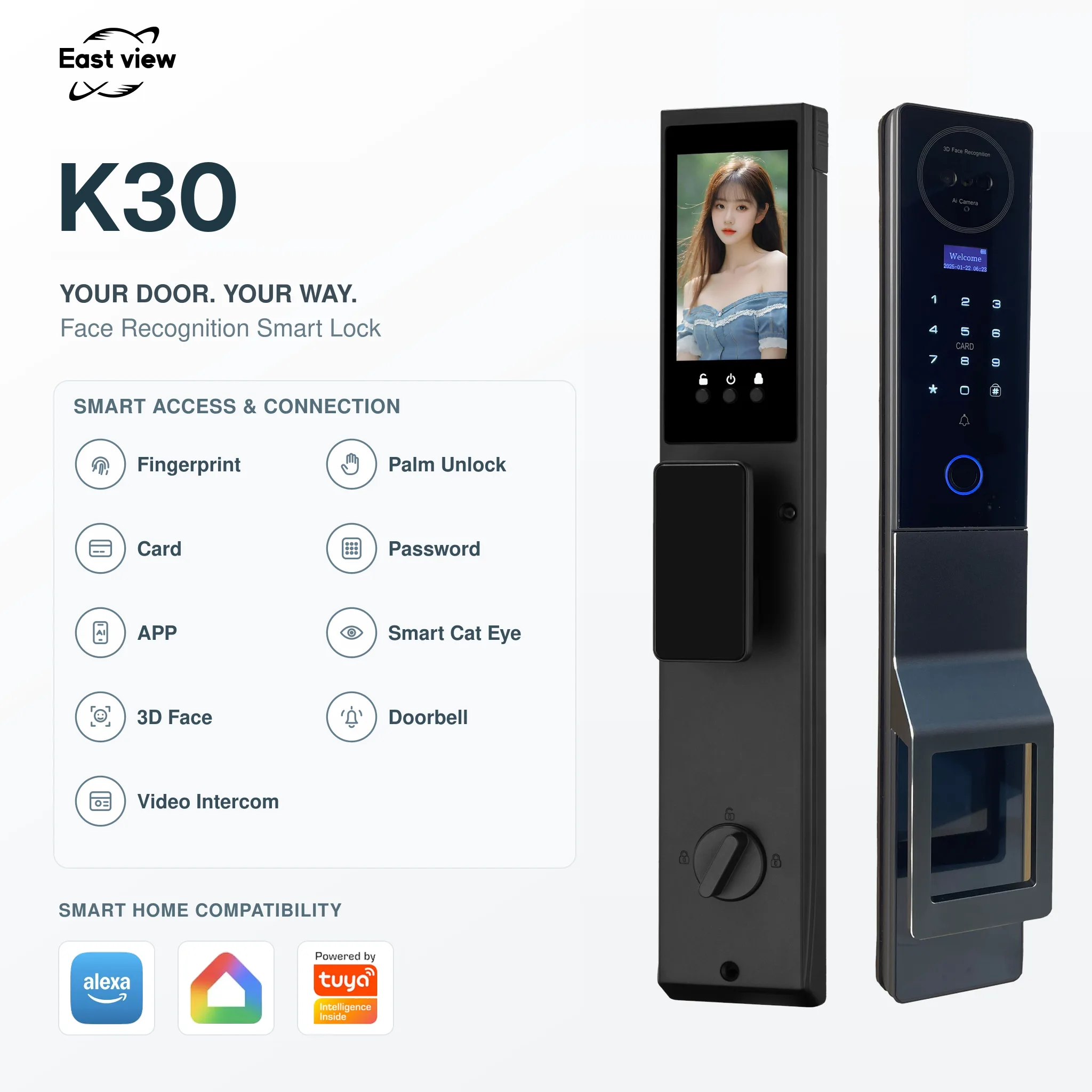
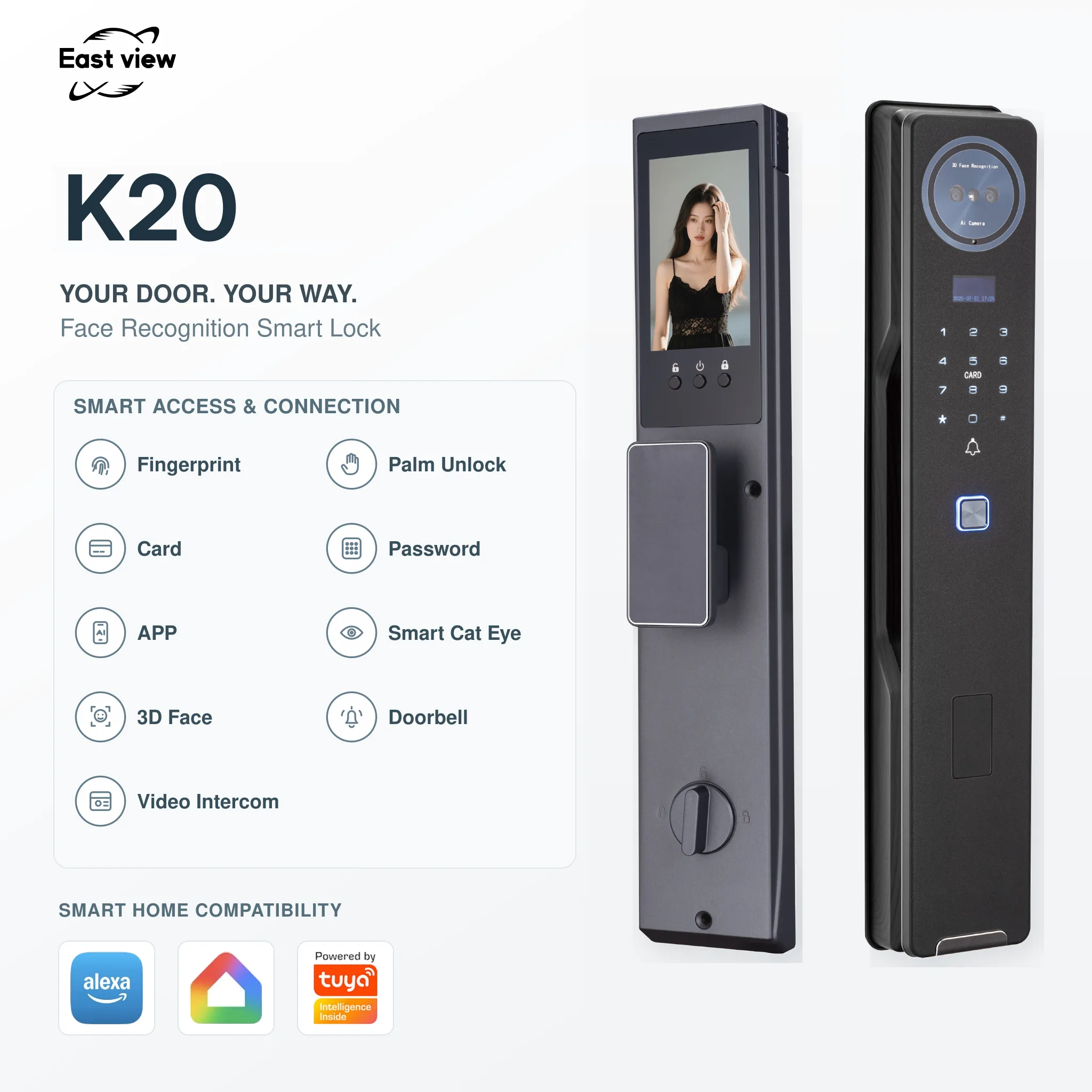
Selection guide
Choosing a Push-Pull Smart Lock
Compare the required access methods and door preparation before choosing a push-pull model. A similar handle design does not mean that two models use the same lock body or installation dimensions.
Match access to the users
The current range includes face and palm recognition models with fingerprint and backup entry options. Compare the features of each model below, then specify which methods your residents or guests need.
Check the panel and lock body
Measure the door thickness, available panel space, opening direction and existing lock-body position. Compare the front-panel dimensions, then request the installation drawing for the exact configuration.
Confirm video and power requirements
Several models list a video doorbell or peephole camera. Confirm the required camera functions, battery arrangement and app configuration for the selected version before ordering samples.
| Model | Listed Features | Dimensions and Fit |
|---|---|---|
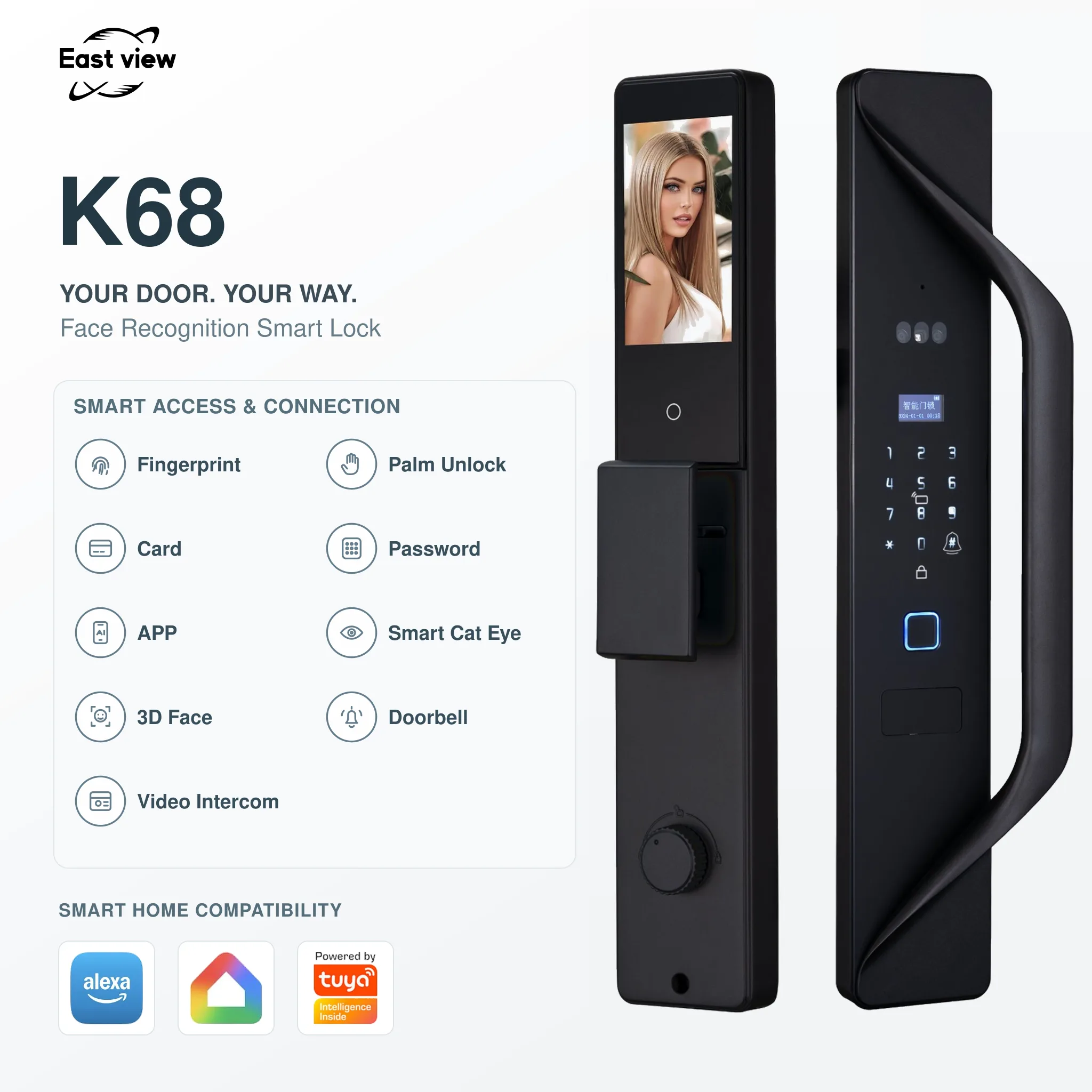
| K68 Push-Pull Smart Lock |
|
|
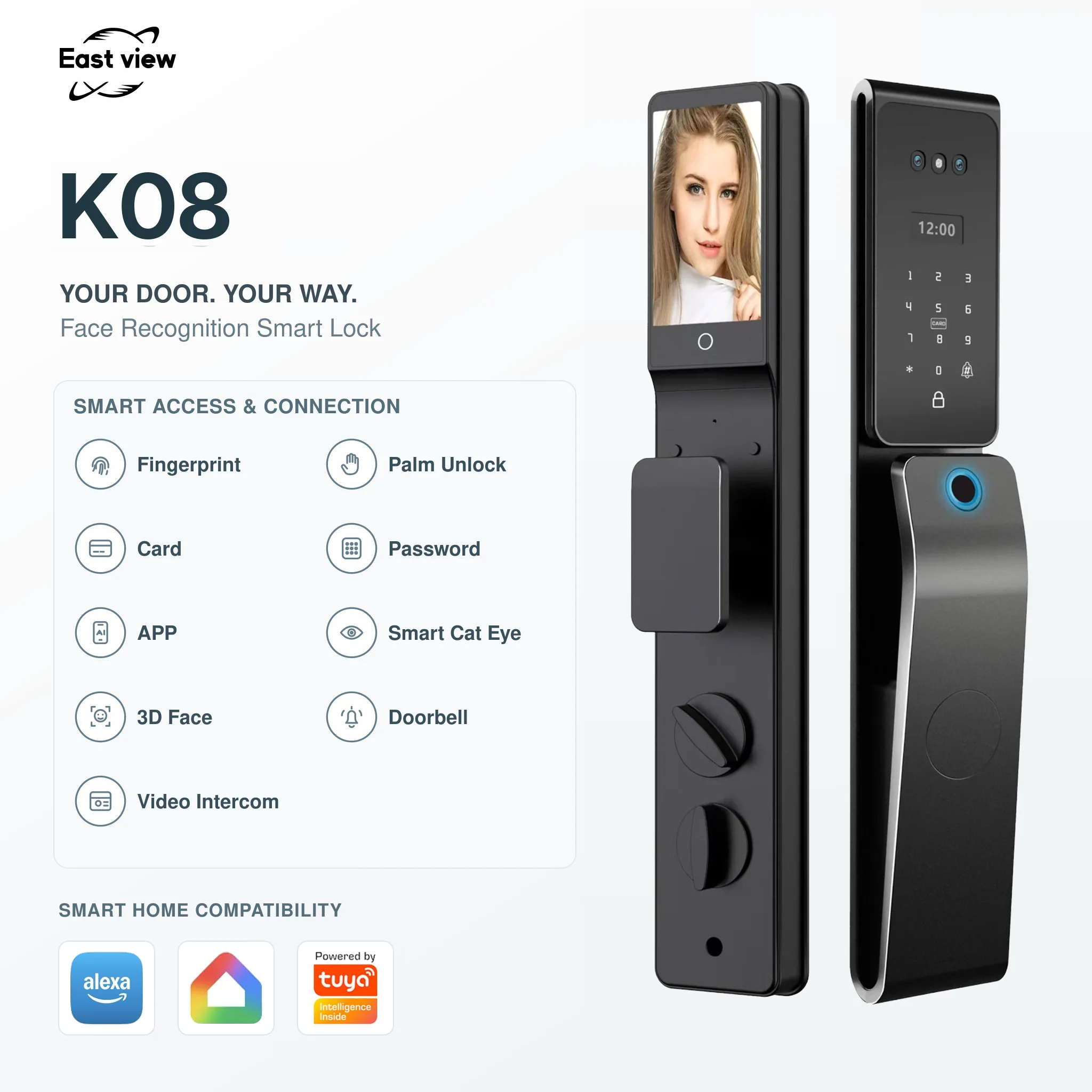
| K08 Face Recognition Smart Lock |
|
|
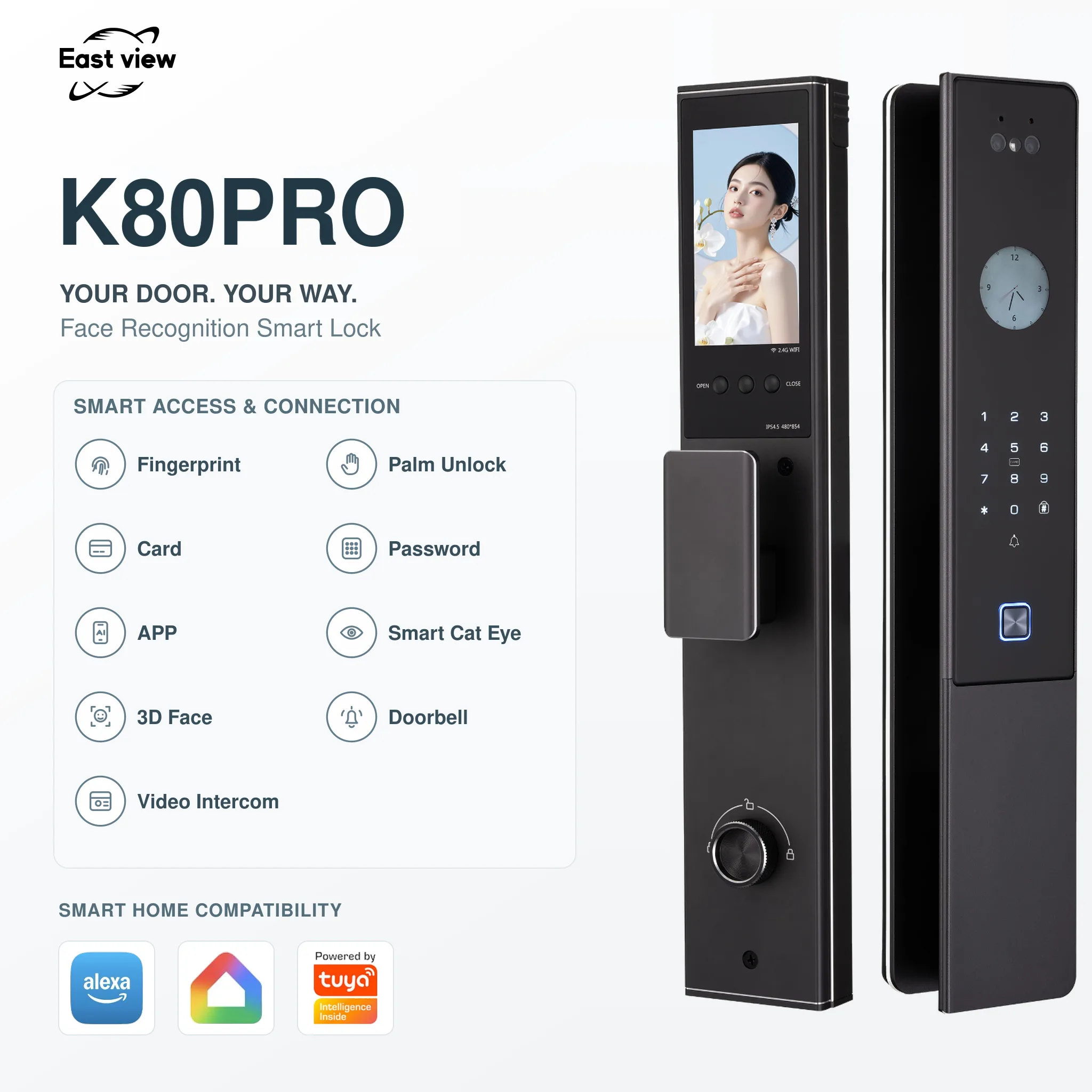
| K80 Pro Face & Palm Recognition Smart Lock |
|
|
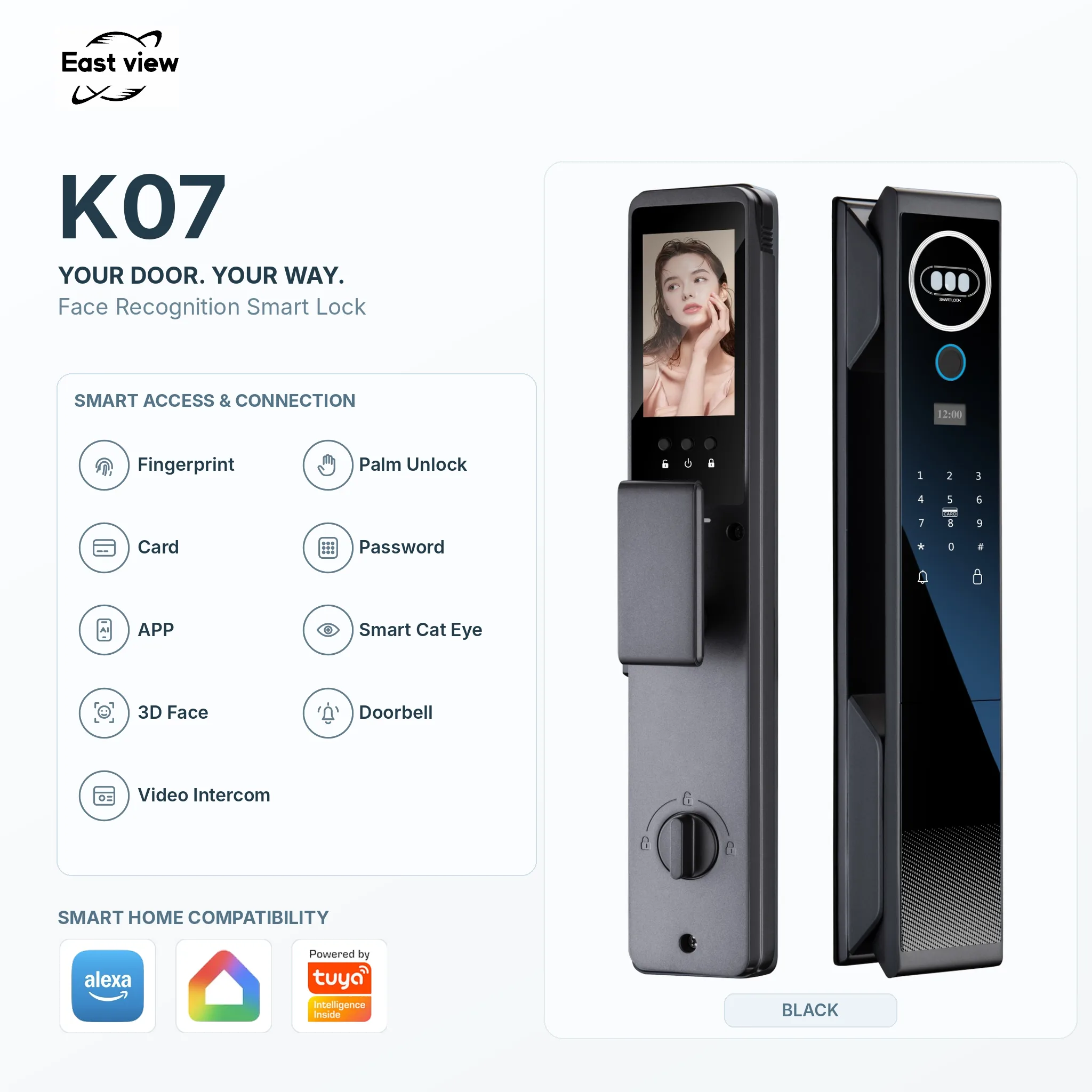
| K07 Face Recognition Smart Lock |
|
|
| K11 Face Recognition Smart Lock |
|
|
| K10 Face Recognition Smart Lock |
|
|
| K30 Face Recognition Smart Lock |
|
|
| K20 Face Recognition Smart Lock |
|
|
Features and dimensions follow the current model pages. Confirm the supplied configuration and installation drawing before ordering samples.
Discuss Door Fit and Samples