
Smart Deadbolt Locks
Compare standard and video Wi-Fi versions in the T3 and T6 families. For a replacement or new door program, confirm the door preparation and bolt fit and specify the exact version when requesting samples.
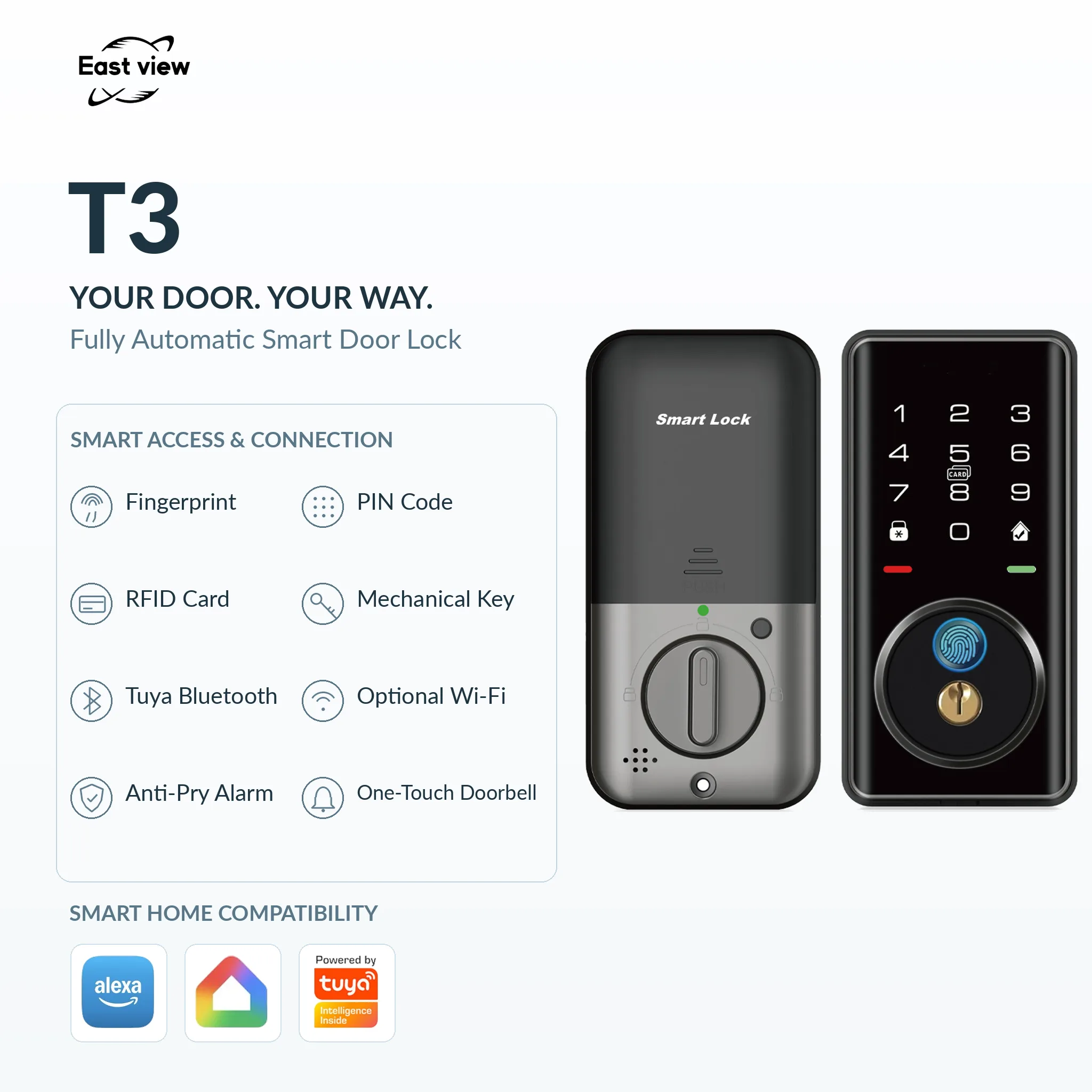
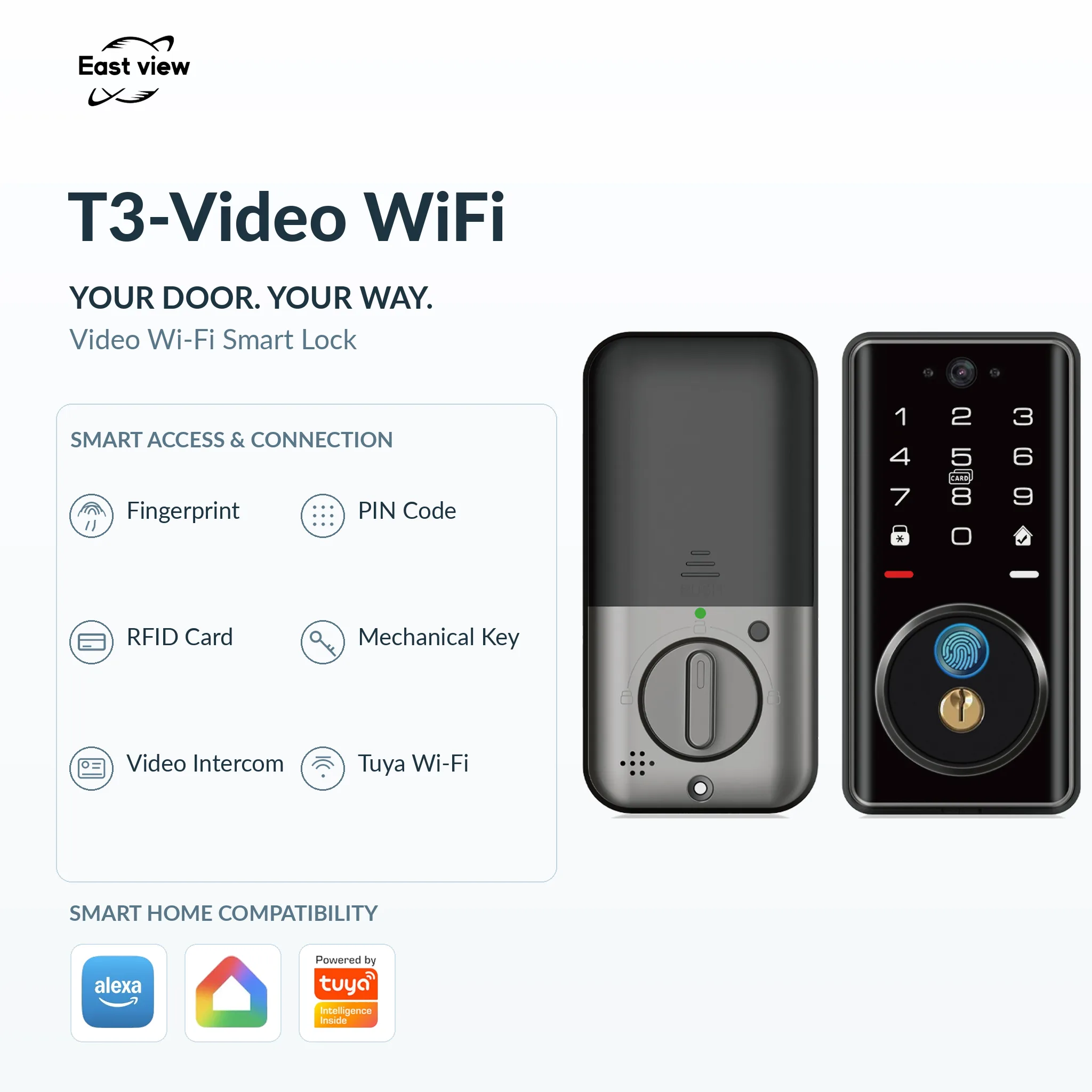
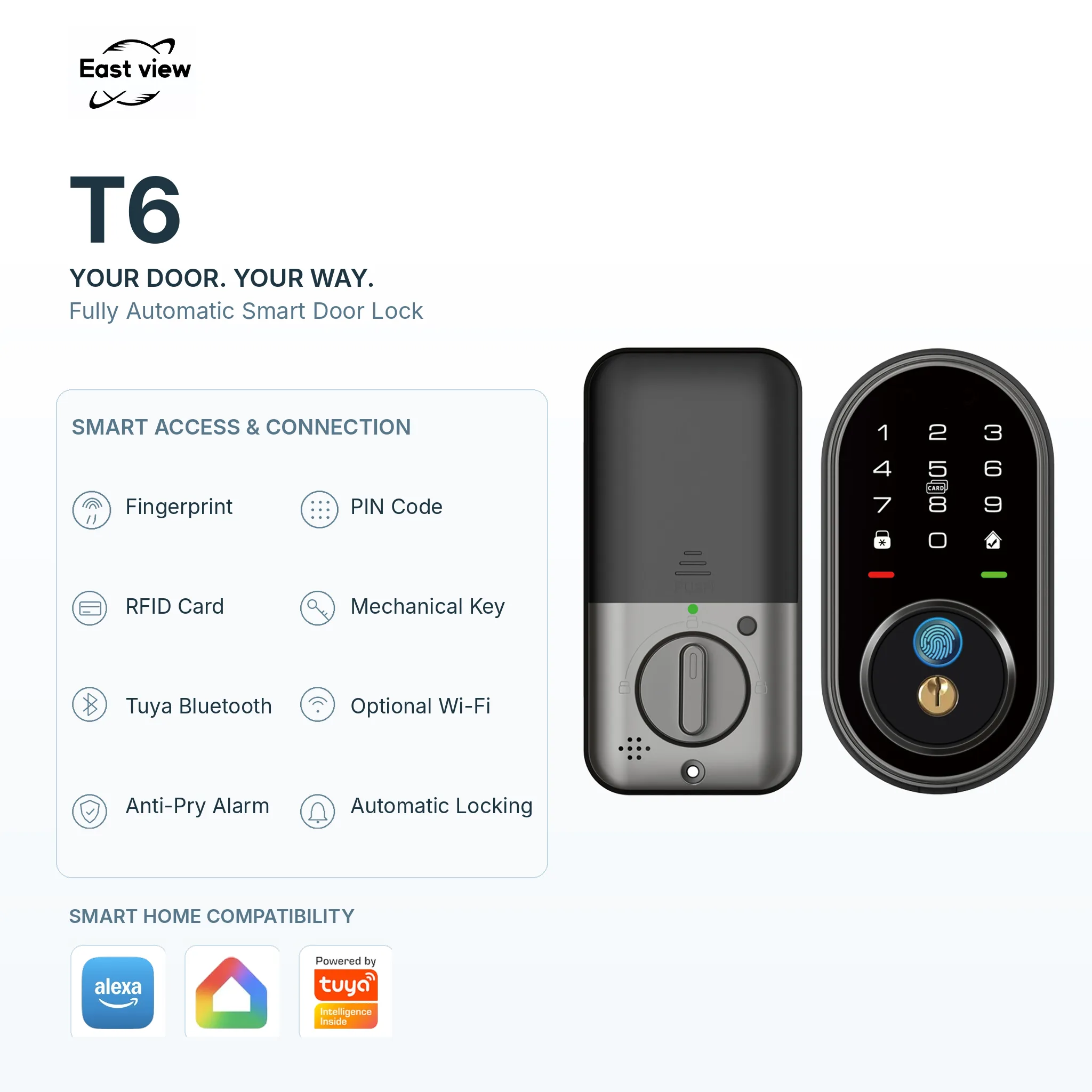
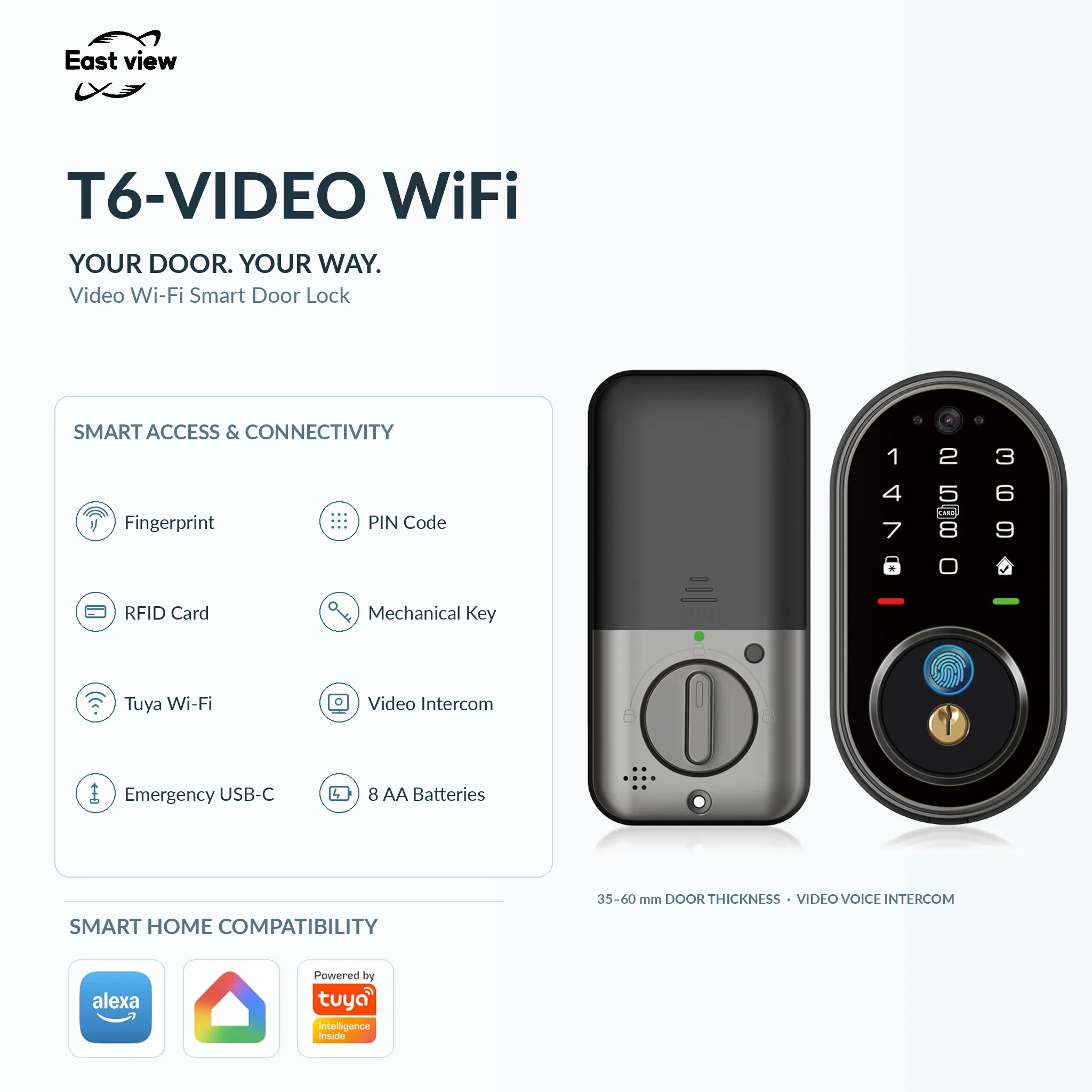
Selection guide
Standard or Video Wi-Fi Smart Deadbolt?
The T3 and T6 families each include a standard deadbolt and a separately listed Video Wi-Fi variant. Compare the exact model name before matching features, dimensions or a sample quotation.
Select the required variant
The standard T3 lists automatic operation, while the standard T6 also lists an anti-pry alarm. The Video Wi-Fi versions list video intercom functions. Do not transfer a feature from one variant to another without confirmation.
Match the existing door preparation
Check the bore, backset, door thickness, edge preparation and strike position. Front-panel size is useful for clearance, but it does not replace a model-specific installation drawing.
Check power and app configuration
Confirm the battery arrangement, emergency power connection and app requirements for the exact T3 or T6 version. Include the full variant name in your sample request and purchase specification.
| Model | Listed Features | Dimensions and Fit |
|---|---|---|
| T3 Smart Deadbolt Lock |
|
|
| T3 Video WiFi Smart Deadbolt Lock |
|
|
| T6 Smart Deadbolt Lock |
|
|
| T6 Video WiFi Smart Deadbolt Lock |
|
|
Features and dimensions follow the current model pages. Confirm the supplied configuration and installation drawing before ordering samples.
Discuss Door Fit and Samples